Introduction to PC Motherboards
The motherboard is the backbone of any PC, serving as the main circuit hub that connects all the different components of your computer. From the humble beginnings of early computer designs to the sophisticated, feature-rich boards available today, motherboards have evolved significantly over the years. In this guide, we'll break down everything you need to know about motherboards—tailored specifically for tech enthusiasts, gamers, and PC builders.
Brief History and Evolution
Motherboards have come a long way since the early days of computing. The first motherboards were simple, providing basic connections between the CPU, memory, and storage. As technology advanced, motherboards began to support a greater number of components, more advanced features, and improved connectivity options, making them integral to modern PC architecture.
Importance of Motherboards in PC Architecture
Motherboards are crucial because they dictate what kind of hardware your PC can support. They impact your system's performance, compatibility, and upgradeability, making them one of the most vital components in any build.
Components of a Motherboard
Understanding the different parts of a motherboard will help you make informed decisions when building or upgrading your PC.
Key Components Breakdown
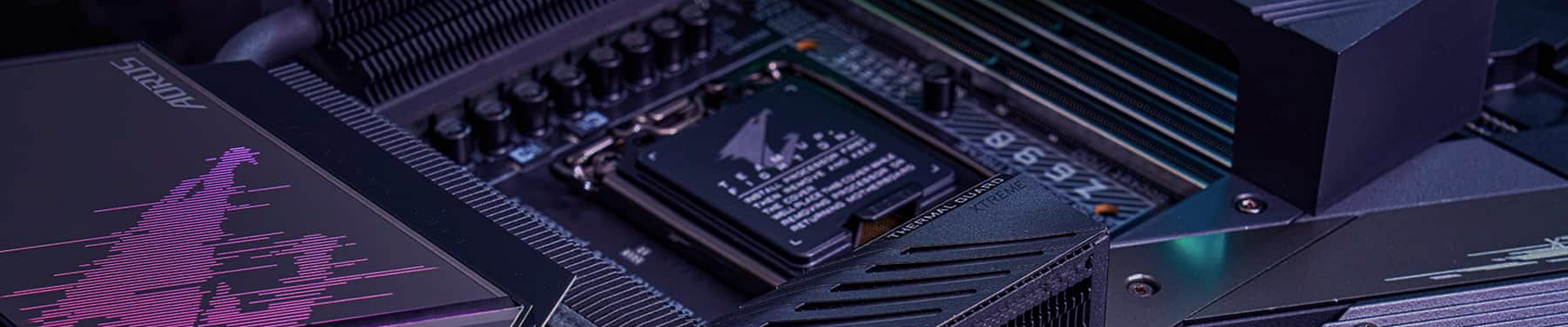
- CPU Socket: This is where your processor fits in. Common socket types include LGA1700, AM5, and more.
- Chipset: This controls communication between different components. High-end chipsets like Intel's Z-series or AMD's X-series offer more features.
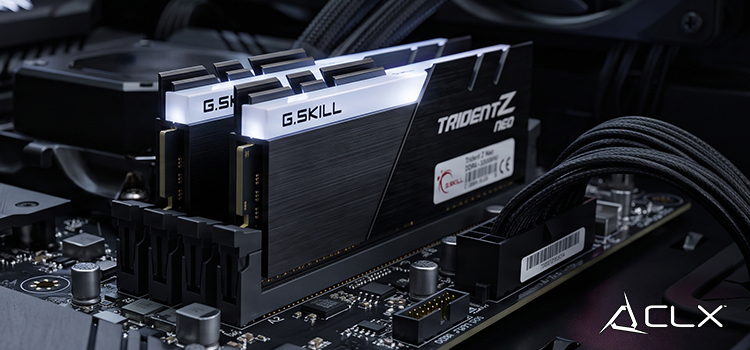
- RAM Slots: Also known as DIMM slots, these are where your memory modules go. Ensure your motherboard supports the type and speed of RAM you intend to use.
- Expansion Slots: These include PCIe slots for graphics cards, sound cards, and other expansion cards.
- Storage Connectors: SATA ports and M.2 slots are used for connecting SSDs and HDDs.
- Power Connectors: ATX power connectors supply power to the motherboard and its components.
- I/O Ports: USB ports, audio jacks, and Ethernet ports for external device connectivity.
Role and Functionality
Each component plays a specific role in your system, from handling data transfer to ensuring power delivery. Understanding these roles can help you optimize your build for performance and efficiency.
Types of Motherboards
Different builds have different needs, and so does the choice of motherboard.
ATX, Micro-ATX, Mini-ITX, and Beyond
- ATX: The most common form factor, offering the best balance of size and features.
- Micro-ATX: Smaller than ATX but still provides a good range of features.
- Mini-ITX: Compact and ideal for small builds but with limited expansion options.
- Extended ATX (E-ATX): Larger than ATX, suitable for high-end builds with multiple GPUs and extensive cooling solutions.
Considerations for Different Form Factors
Choose a form factor based on your space constraints, desired expandability, and cooling capabilities. For example, ATX boards are perfect for full-tower cases, while Mini-ITX boards suit smaller cases.
Choosing the Right Motherboard
Selecting the right motherboard can make or break your build.
Factors to Consider
- User Needs: Gamers might prioritize high-quality audio and multiple PCIe slots for GPUs, while productivity users may need robust storage options and high-speed RAM support.
- Compatibility: Ensure your motherboard is compatible with your CPU, GPU, RAM, and other components. Check socket type, chipset, and form factor to avoid incompatibility issues.
Compatibility with Other PC Components
- CPU: Match the socket type and chipset.
- GPU: Ensure there are enough PCIe slots and the board supports the required PCIe version.
- RAM: Check for the number of DIMM slots, maximum supported RAM, and compatible RAM speeds.
Understanding Motherboard Specifications
Specifications can be overwhelming, but they are crucial for a well-informed decision.
Common Specifications Explained
- Socket Type: Determines which CPUs are compatible.
- Chipset: Affects features like overclocking, multiple GPUs, and storage options.
- RAM Support: Includes maximum capacity, number of slots, and speed.
- Expansion Slots: Number and type of PCIe slots.
- Storage Options: Number of SATA ports and M.2 slots.
Wrapping up
Motherboards are the foundation of any PC build, influencing performance, compatibility, and future upgrade paths. Whether you're a gamer, a tech enthusiast, or a professional PC builder, understanding the intricacies of motherboards will empower you to make the best choices for your needs.
About Us
CLXGaming is a PC builder based in Wichita, KS that builds prebuilt PCs, custom PCs and laptops for all of your gaming and creative needs. We work with any budget and offer flexible gaming PC financing.
If you would like more information about our PCs, please contact our customer support team at (855) 490-2569 or [email protected]. We pride ourselves on our excellent customer service and are happy to assist with your needs.