Your PC handled everything fine two years ago. Now it's dropping frames in scenes it should handle easily. Before you assume it needs a full rebuild, it helps to know which symptom points to which hardware. Here's a straightforward breakdown.
Is Low FPS Actually a GPU Problem?
Not always. Open software such as MSI Afterburner or GPU-Z, turn off any frame caps, and check GPU utilization under load. If your GPU is sitting at 60-80% while frames are low, the GPU isn't the bottleneck. Your CPU isn't feeding it fast enough, and a faster GPU will just run at even lower utilization on the same CPU.
If utilization is consistently at 95-99% and frames are still disappointing, you've outgrown the card. A GPU like the RX 7800 XT can function well for some titles, but demanding games at high settings will push it to its ceiling.
Why Your Game Stutters Even When FPS Looks Fine
Stuttering is a different problem from low average framerate. Don't treat them the same way.
Hitches and frame-time spikes usually come from slow storage, RAM pressure, thermals, or outdated drivers. If your game is on a spinning hard drive, moving it to an NVMe SSD is the single fastest fix. Open-world streaming stutter often clears up entirely.
On RAM, 8GB is genuinely not enough for modern AAA titles in 2026. 16GB is becoming the floor. If you're also running background applications like Discord, a browser, and OBS at the same time, 32GB might be worth it.
Long Load Times Killing Your Session Flow
Any NVMe SSD over a hard drive is a big jump as they cut load times noticeably in games with large asset streaming. One thing worth knowing: Gen 4 vs Gen 5 NVMe can be a negligible difference in actual game load times.
Thermal Throttling Is Quietly Cutting Your Performance
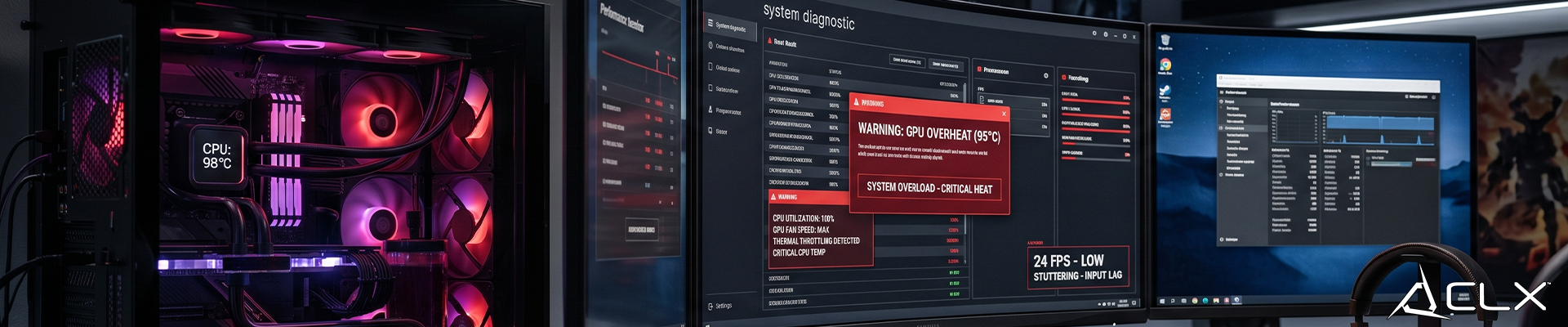
If your CPU is hitting 95C or your GPU is above 90C under load, the hardware is pulling back clock speeds to protect itself. You're losing performance you already paid for.
On a 3-4+ year old build, reapplying thermal paste often drops CPU temps by 10-15C. That costs about $10 and 20 minutes. Better case airflow or an upgraded cooler comes next, before you consider replacing the CPU.
New Games Are Listing Specs You Can't Meet
If your GPU has 6GB VRAM or less, newer titles will hit texture streaming problems at higher settings. Games with path tracing want 12GB or more VRAM to avoid degrading texture quality mid-session.
What to Upgrade First
For CPU bottlenecks, the Ryzen 7000 and 9000X3D series on AM5 are solid current options. Note that Ryzen 9000 CPUs are DDR5-only, so a new board and DDR5 memory could be part of that cost.
For GPU upgrades, the RTX 5070 and RX 9070 are both strong 1440p options at different price points depending on your budget.
If you want help matching upgrades to your target games and resolution, CLX's custom configurator walks through its component by component.