Most people either never clean their PC or panic-clean it every week after watching a teardown video where someone pulls a gray felt blanket of dust off a GPU shroud. Neither is right. The real answer sits in the middle, and it depends more on your environment than your calendar.
For a typical desktop running in a normal household, every 3 to 6 months is the right cadence. That's often enough to keep dust filters, intake fans, and heatsinks clear before buildup starts affecting thermals, but not so often that you're opening the case before it needs it.
The myth: 'More cleaning is always better'
It isn't. Compressed air used carelessly can spin fans backward past their rated RPM, which stresses the bearings. Static discharge from touching components without grounding yourself is a real risk, however small. And popping the side panel every couple of weeks just increases the odds of bumping a cable loose or knocking a GPU brace out of position. Clean with a purpose, not on a schedule driven by anxiety.
The myth: 'Dust doesn't really hurt performance'
This one's more common, and it's wrong in a specific way. Dust doesn't slow down your CPU or GPU directly. What it does is insulate the heatsink fins, which reduces how efficiently they can shed heat. A Ryzen 9 9950X3D or a Core Ultra 9 285K running under a dust-caked air cooler will throttle sooner under sustained load, not because the chip got weaker, but because it can't dump heat fast enough and pulls back clocks to stay in spec. Same story on the GPU side. An RTX 5080 with clogged intake fans on its shroud will run hotter at the same power draw, and hotter usually means lower sustained boost clocks over a long session.
If your fans are spinning louder than they used to, or your system feels hotter to the touch on the case exterior, that's usually dust, not a failing part.
Where dust actually causes problems
Not every part of your case needs equal attention. Focus on these first:
Front and top dust filters. These catch most of the incoming dust before it reaches anything else. A magnetic filter that hasn't been pulled and rinsed in six months is doing half its job.
CPU and GPU heatsink fins. This is where thermal performance actually lives or dies. Dust packed between fins blocks airflow the fan is trying to push through.
Case fans and radiator fins on AIO coolers. A fan can still spin fine while caked in dust. It'll just move less air per rotation.
Cable routing areas behind the motherboard tray. Not a thermal issue so much as an airflow one if cables are blocking exhaust paths.
How to clean it without breaking anything
Power down, unplug the PSU from the wall, and give the system a minute before opening it. Use compressed air in short bursts, holding fans in place with a finger so they don't free-spin. Work from the top down so dust falls out of the case instead of resettling inside it. Avoid touching the CPU cooler contact plate, GPU die, or any exposed connectors if you can help it.
If your system is three or more years old and hasn't had a repaste, dust cleaning is a good time to check thermal paste condition too. Dried-out paste combined with a dusty heatsink is a common reason older builds run 10 to 15 degrees hotter than they did on day one.
Special cases that need more frequent attention
Households with pets should probably cut that 3 to 6 month window in half. Pet hair and dander clog filters far faster than ambient dust alone. Hot, humid climates accelerate buildup too, since moisture makes dust stickier and harder to fully clear with air alone. And if you're running long gaming or render sessions at high sustained load most days, your fans are moving more air more often, which means they're also pulling in more dust.
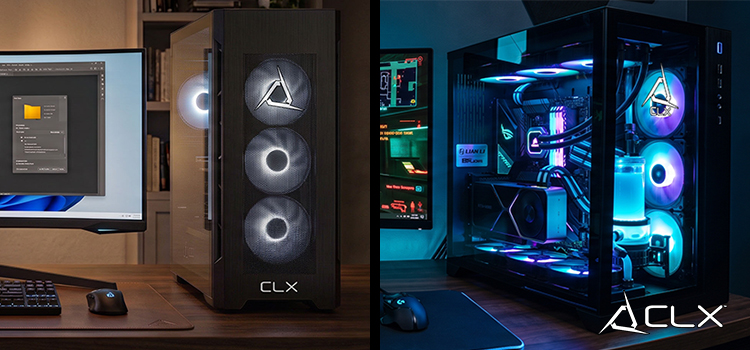
A clean PC isn't about looking pristine inside the case. It's about giving your CPU and GPU the airflow they need to hold their boost clocks instead of backing off under thermal pressure. If your current build runs hot no matter how often you clean it, that might be a case airflow problem rather than a maintenance one. CLX's custom PC Options lets you pick case and cooling combinations built around real airflow paths instead of just cramming in more fans.