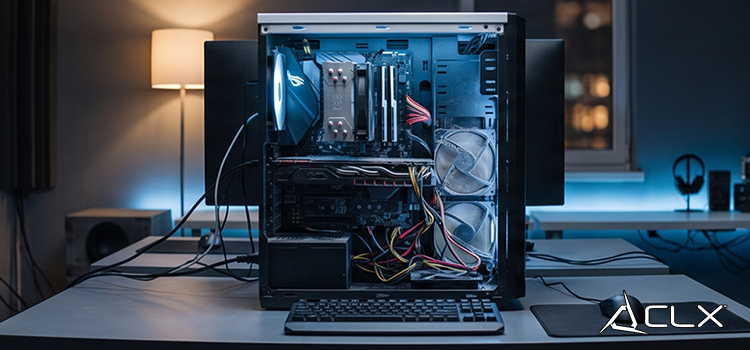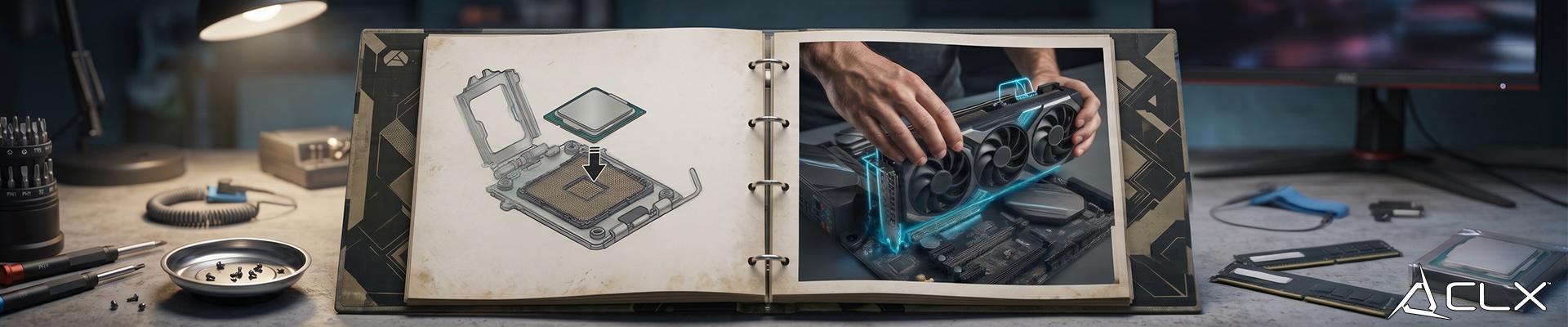
Stuttering framerates and painfully slow load screens are the enemy of every serious gamer. If your current rig is struggling to maintain 60 frames per second on modern AAA titles, you are already falling behind. You don't always need to build a brand-new system from scratch to reclaim your competitive edge. Strategic component upgrades can eliminate bottlenecks, boost performance, and breathe new life into an aging machine.
Knowing exactly what to replace is the key to maximizing your budget. Upgrading the wrong component can leave you frustrated and out of pocket. You need to identify your system's weakest link. We have broken down the most impactful hardware upgrades, from mandatory essentials to high-end performance boosters, so you can build a machine capable of dominating the leaderboards.
Essential Upgrades: The Baseline for Modern Gaming
Before you drop premium cash on a flagship graphics card, your system needs a solid foundation. These fundamental upgrades are relatively inexpensive, easy to install, and offer massive quality-of-life improvements.
RAM Recommendations for Smooth Gaming
Running modern games with only 8GB of RAM often leads to stuttering, freezing, and delayed controls (input lag). Your PC simply runs out of fast memory, so it has to pause and reload data constantly.
For a good experience in 2026, 16GB is the realistic minimum for most players. This amount handles today’s popular games smoothly at 1080p or 1440p.
If you also stream, record gameplay, keep lots of browser tabs open, or run other programs while gaming, go up to 32GB. It gives you extra headroom so everything runs without hiccups.
Speed matters too. Look for RAM with higher speed ratings like 3200MHz (for DDR4) or 5600–6000MHz (for DDR5). Faster RAM helps your processor get the data it needs quickly. Also try to choose kits with lower latency (CL16 or lower on DDR4, or similar tight timings on DDR5) this reduces waiting time and makes your system feel more responsive.
SSD: Eliminate Load Times
If your operating system or primary game library is still sitting on a mechanical hard drive, you are crippling your PC's potential. An NVMe M.2 Solid State Drive (SSD) is a mandatory upgrade. By utilizing the PCIe interface, NVMe drives deliver read and write speeds that dwarf traditional SATA drives. You will load into matches faster, experience seamless open-world asset streaming, and significantly reduce system boot times.
Performance Upgrades: Pushing Maximum Frames
When you are ready to push massive resolutions and ultra-high refresh rates, you need serious computing power. These are the heavy hitters that define your gaming experience.
GPU: The Heart of Your Rig
The Graphics Processing Unit (GPU) handles the heavy lifting for rendering complex geometry, lighting, and textures. If you want to enable hardware-accelerated ray tracing or leverage AI upscaling technologies like DLSS and FSR, a modern GPU is essential. Look for cards with at least 8GB to 12GB of VRAM to handle high-resolution textures without hitching. Upgrading your graphics card will yield the highest immediate increase in raw gaming performance.
CPU: Remove the Bottleneck
Your graphics card can only be as fast as the CPU lets it be. The CPU is the brain that handles game logic, physics, enemy AI, and more.
If your CPU is maxed out (especially on its busiest cores) while the graphics card is waiting for instructions, you get stuttering, lower frame rates, and choppy gameplay. This is called a bottleneck.
What to look for in a modern gaming CPU:
- Strong single-core performance (fast individual cores) — this helps with responsiveness and minimum frame rates.
- Enough cores (at least 6–8 good ones) so the game and your other programs (Discord, browser, streaming software) don’t fight for power.
- High IPC (how efficiently each core works) and large cache memory — these make a huge difference in real-world gaming smoothness.
A good modern CPU gives you both: snappy performance where it counts and enough power to handle today’s complex games without struggling.
Niche Upgrades: Refining the Experience
Once your core hardware is locked in, you can focus on the auxiliary components that keep your system running efficiently and elevate your physical interaction with the game.
Cooling: Beat the Heat
Thermal throttling will actively degrade your performance. As components heat up, they automatically lower their clock speeds to prevent hardware damage. Upgrading from a stock CPU cooler to a high-performance All-In-One (AIO) liquid cooler or a massive dual-tower air cooler will keep your temperatures low. This allows your CPU to maintain its maximum boost clocks indefinitely during intense gaming sessions.
Peripherals: The Tactical Advantage
Your hardware is only as good as the tools you use to control it. Upgrading to a mechanical keyboard with fast-actuating linear switches provides precise, tactile input. Pairing that with a high-refresh-rate monitor (144Hz, 240Hz, or beyond) ensures you can actually see the frames your new hardware is generating. High-refresh gaming reduces system latency and gives you a tangible advantage in competitive shooters.
Unleash Your Rig's True Power
You have the roadmap to eliminate lag, maximize your framerates, and build a technically superior gaming machine. Stop settling for compromised settings and sluggish performance. Analyze your current hardware, identify your primary bottleneck, and execute the right upgrade.
Ready to take your system to the absolute limit? Browse our extensive inventory of premium PC components and secure the hardware you need to dominate your next match.