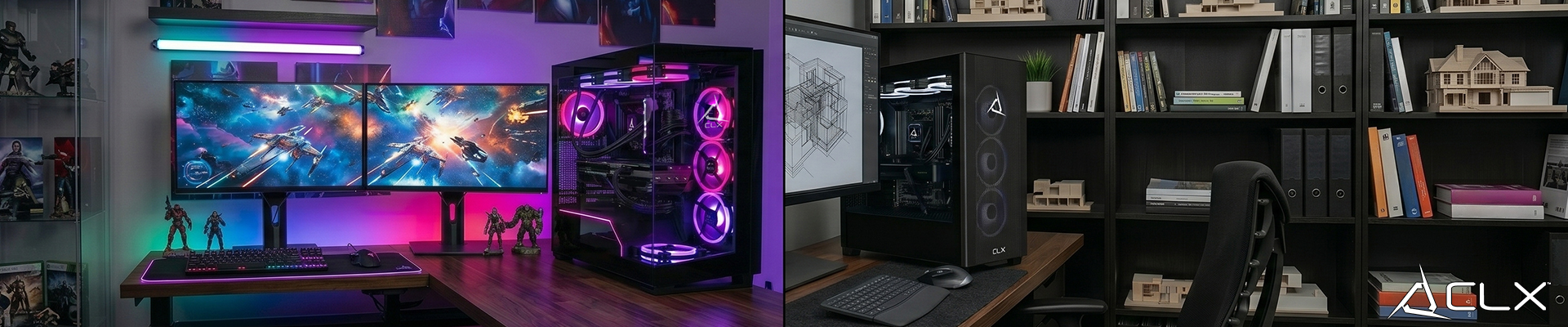
A high-end consumer PC looks a lot like a professional workstation until you check the parts list. We get asked daily if an RTX 5090 makes a rig a workstation. The short answer is no. A gaming PC is built to draw frames as fast as possible. A workstation is built to never crash during a 72-hour render.
What are the component differences between a gaming PC and a workstation?
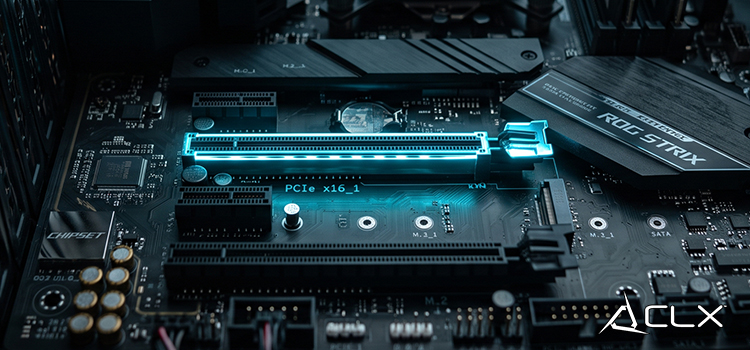
The hardware foundation dictates what a system can actually do. While both setups use a motherboard, CPU, GPU, and RAM, the specific architectures serve entirely different purposes.
Processors and core counts
Gaming requires fast single-core speed. The AMD Ryzen 9 9950X3D2 is currently a top performer for gamers because its 3D V-Cache feeds data to the cores incredibly fast. Workstations need massive core counts to process complex datasets simultaneously. An AMD Threadripper 9980X has 64 cores to chew through heavy data simulations and rendering tasks.
Graphics cards and VRAM
Gaming GPUs prioritize raw speed and texture fill rates. Workstation GPUs like an Nvidia RTX 6000 use certified drivers optimized specifically for professional software like AutoCAD, Maya, or SolidWorks. They also pack massive amounts of VRAM with error correction built right into the silicon.
System memory
Gaming PCs use standard non-ECC DDR5 memory. Workstations require Error-Correcting Code (ECC) RAM. ECC memory detects and fixes single-bit memory errors. This prevents blue screens during critical compute tasks that run for days at a time.
How do performance and software optimization compare?
Gaming drivers prioritize frame rates to create an ideal gaming experience. Nvidia and AMD release driver updates for consumer cards constantly to support new game releases.
Workstation drivers update much less frequently. Developers can test enterprise drivers for months to guarantee stability. In many cases for gaming it will run worse because the drivers are optimized for precision math instead of rapid frame generation. Choose a workstation if absolute accuracy matters more than raw speed.
Which system belongs on your desk?
If your primary goal is playing games at high refresh rates, stick to consumer hardware. If your computer crashing costs your business thousands of dollars in lost rendering time, you need a workstation.
Configure your next build using the CLX system builder at CLXGaming.com for your gaming or workstation needs.