Streaming has become the ultimate way to showcase gaming skills, connect with a community, and even earn a living. With platforms like Twitch and YouTube seeing millions of active viewers daily, the game streaming industry is only growing bigger. But here’s the catch—not every gamer with a webcam and an internet connection becomes a successful streamer. Those who make it to the top know one thing for sure: having the right tools is critical.
If you want to level up your streaming career and produce engaging, professional content that stands out, this article will guide you through the essential tools you need.
The Must-Have Tools for Streaming
- High-Quality Camera for Crystal Clear Video
- Logitech StreamCam: A favorite among streamers, it boasts full HD (1080p) at 60fps for smooth, sharp visuals.
- Sony Alpha a6400: When you're ready to invest in a premium setup, this mirrorless camera offers exceptional image quality and works seamlessly with streaming setups.
The old saying 'you never get a second chance to make a first impression' holds true in streaming as well. Your visuals matter. A quality camera ensures you look professional and stand out, no matter the platform.
Some Options:
- A Professional Microphone for Clear Audio
- Blue Yeti USB Microphone: Famous for its versatility and crisp audio, this mic is perfect for both beginners and pros.
- BEACN Mic: This professional-grade microphone delivers studio-quality sound, an ideal choice for those in it to win it.
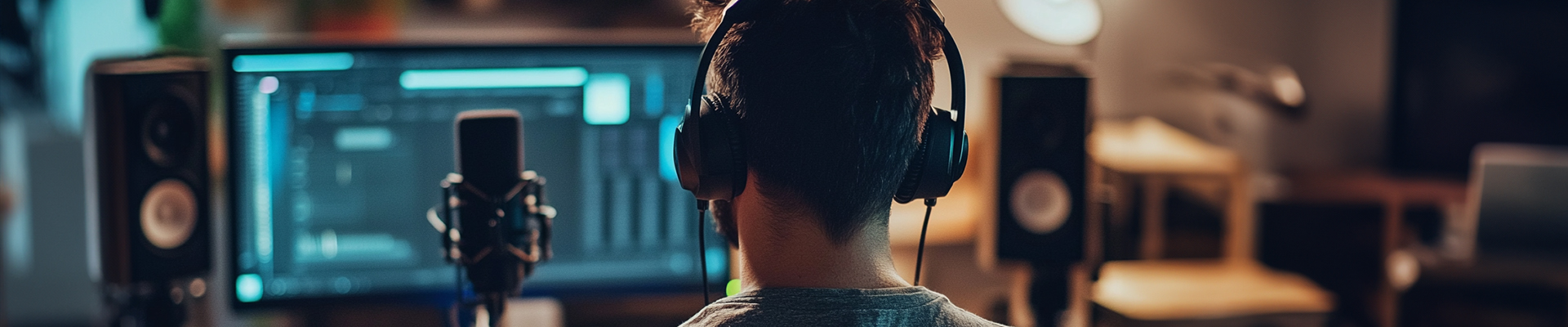
Ever tried to watch a stream with muffled or crackling audio? Poor sound quality is the fastest way to lose your audience. Investing in a high-quality microphone makes an enormous difference.
Best Picks:
- Lighting to Set the Mood
- Elgato Key Light: Fully adjustable via an app, this light offers consistent and flattering illumination.
- Neewer LED Ring Light: Budget-friendly and effective for enhancing your stream setup.
Your visuals should always look polished. Proper lighting not only highlights your expressions but also creates a more professional, inviting atmosphere. Ring lights and softbox lights are game-changers.
Stream-Approved Gear:
Picking the Right Streaming Platform
With your foundational tools ready, the next step involves choosing the platform where you’ll broadcast your content. Each platform has its strengths, so pick one based on your content style and audience.
- Twitch: The top choice for gamers—Twitch boasts a massive active gaming community and built-in tools for monetization.
- YouTube Gaming: Perfect if you want to combine live streams with evergreen content like tutorials or gameplay highlights.
- Kick: An emerging choice offering less competition and easier accessibility for new streamers.
Don’t Forget the Backbone of Your Setup
- A Powerful Computer
- Processor: Intel i7 or AMD Ryzen 7 and up.
- GPU: NVIDIA GeForce RTX 4060 or AMD Radeon RX 7700 XT for incredible video rendering and gaming performance.
- RAM: At least 16GB (32GB preferred for heavy multitaskers).
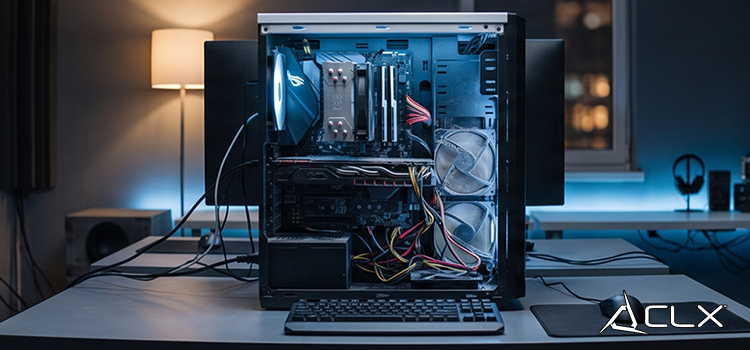
Be it a PC or laptop, having a system equipped to handle the demands of streaming is non-negotiable. You’ll need processing power, ample RAM, and a good GPU to ensure smooth performance while gaming and streaming simultaneously.
Recommended Specs:
- A Reliable Internet Connection
- Upload Speed: At least 6 Mbps for 1080p at 60fps. Aim for 10 Mbps or higher for consistent performance.
Buffering or lag? That’s a direct ticket for viewers to switch to another streamer—and not come back. A high-speed, stable internet connection is essential.
Streaming Baseline:
Building a Community with Engagement Tools
Creating great content is just half the story. Building a loyal audience requires interaction that feels seamless and engaging.
Chat Bots and Overlay Tools
Integrate chat bots to keep your streams professional and entertaining. Bots can moderate chat, automate responses, and trigger fun alerts. Combine this with overlays to create visually captivating layouts.
Managing Your Stream with the Right Software
Your streaming software handles all the magic behind the curtains. It allows you to control overlays, add alerts, and keep your presentation spotless.
Best Streaming Software Picks:
- OBS Studio (Open Broadcaster Software): A free, open-source option that’s extremely customizable.
- Streamlabs Desktop: Easy to use and packed with features like integrated alerts, themes, and chat.
Growing Your Channel with Effective Promotions
To be successful, streaming isn’t just about turning on the camera—it’s about growth. Here’s how to build your audience effectively.
- Social Media is Your Best Friend
Use platforms like Twitter, Instagram, and TikTok to share highlights or behind-the-scenes content. Use hashtags and consistently post to increase visibility.
- Collaborate with Other Streamers
Partnering with other streamers helps you tap into their audience and vice versa. Play games, co-host streams, or simply shout each other out—collaborations drive growth.
- Engage with Your Audience Post-Stream
Chat with your viewers on Discord or respond to their comments on your past streams. Building personal connections cultivates long-term loyalty.
Level Up Your Stream Today
Becoming a successful streamer takes the right mix of quality content, professional tools, and engaging interaction. From a top-notch camera and microphone to streaming software and internet speed, these tools will help you deliver the best possible experience to your audience.
Remember, the tools are just the beginning. Your personality, creativity, and ability to connect with viewers are what will set you apart in the rapidly growing streaming world.
About Us
CLXGaming is a PC builder based in Wichita, KS that builds prebuilt PCs, custom PCs and laptops for all of your gaming and creative needs. We work with any budget and offer flexible gaming PC financing.
If you would like more information about our PCs, please contact our customer support team at (855) 490-2569 or [email protected]. We pride ourselves on our excellent customer service and are happy to assist with your needs.